Cloud Migration Checklist: A Step-by-Step Guide
Moving from on-premise to cloud? Here's everything you need to consider.
Jason Overmier
Innovative Prospects Team
Cloud Migration Checklist
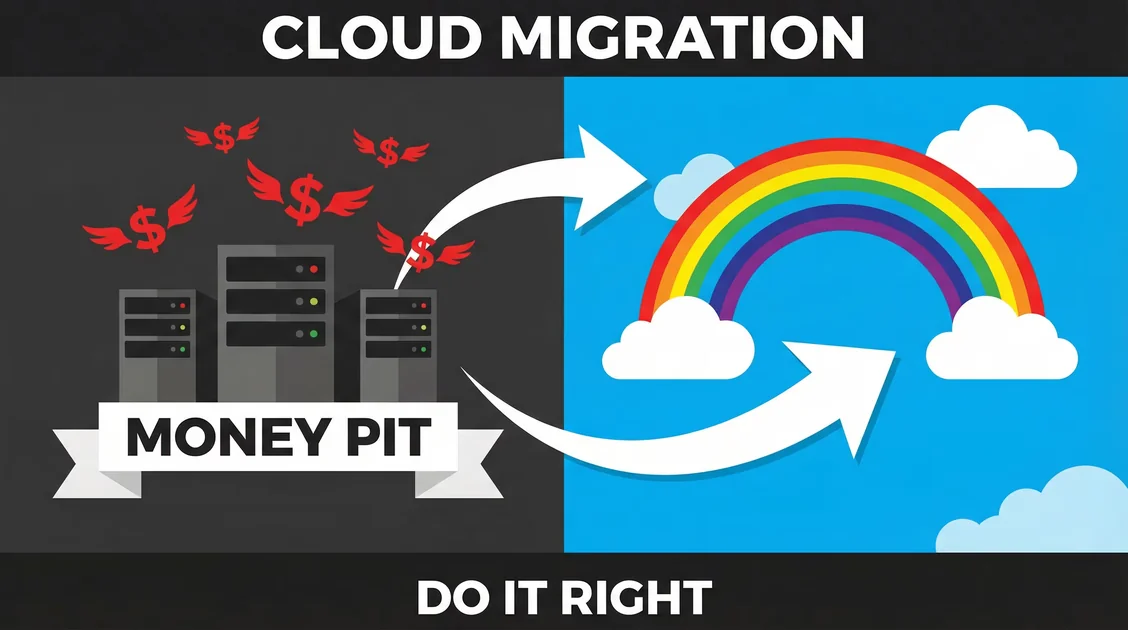
Moving to the cloud isn’t just “lift and shift.” Done right, it’s an opportunity to modernize your infrastructure, improve reliability, and reduce costs. Done wrong, it’s a budget nightmare.
Pre-Migration Assessment
1. Audit Current Infrastructure
Document everything:
- Servers: CPU, RAM, storage, OS versions
- Databases: Type, size, replication setup
- Network: Bandwidth requirements, firewall rules
- Dependencies: Internal services, third-party APIs
- Compliance: Data residency, security certifications
Tools: AWS Migration Hub, Azure Migrate, or manual spreadsheet.
2. Identify Migration Candidates
Not everything should move to cloud:
| Keep On-Premise | Move to Cloud |
|---|---|
| Highly regulated data (some cases) | Web applications |
| Legacy with no migration path | APIs and microservices |
| Predictable, steady workloads | Bursty/spiky workloads |
| Massive data transfer costs | Development/testing environments |
3. Estimate Costs
Cloud can be cheaper or more expensive—it depends:
# Sample cost calculation (AWS)
EC2 (t3.medium): $30/month × 4 servers = $120/month
RDS (db.t3.micro): $15/month
S3 (1TB storage): $23/month
Data Transfer (1TB out): $90/month
---
Total: ~$248/month (~$3,000/year)
Don’t forget:
- Data transfer fees (often overlooked)
- Support plans
- Reserved instance savings
- Free tier limits
Migration Strategies
1. Rehosting (“Lift and Shift”)
Move applications as-is to cloud VMs.
Pros: Fastest, least risk Cons: No cloud benefits, potentially more expensive
Best for: Quick timeline, legacy apps
2. Replatforming
Make minor tweaks to optimize for cloud (e.g., use managed databases).
Pros: Some cloud benefits, moderate effort Cons: Still carries technical debt
Best for: Apps with clear optimization paths
3. Refactoring (Re-architecting)
Redesign for cloud-native patterns (microservices, serverless).
Pros: Maximum cloud benefits, scalable Cons: Slowest, most expensive
Best for: Modernization initiatives, greenfield
The Checklist
Phase 1: Planning (Weeks 1-2)
- Set up cloud account with proper IAM roles
- Create landing zone (networking, security baseline)
- Define tagging strategy (cost allocation, environment)
- Select target region (latency, compliance)
- Calculate budget with buffer
- Notify stakeholders of planned migration window
Phase 2: Setup (Weeks 2-3)
- VPC and subnets (public/private)
- Security groups/NACLs (least-privilege access)
- Bastion host for secure SSH access
- DNS setup (Route 53 or Cloud DNS)
- SSL certificates (AWS Certificate Manager)
- Monitoring and alerting (CloudWatch, Datadog)
- Log aggregation (CloudWatch, ELK)
- Backup strategy (AWS Backup, snapshots)
Phase 3: Data Migration (Week 3-4)
- Classify data (public, confidential, regulated)
- Plan data transfer method (VPN, Direct Connect, snowball)
- Estimate transfer time (bandwidth limitations)
- Set up replication (cutover preparation)
- Verify data integrity (checksums, row counts)
- Test rollback (if cutover fails)
Phase 4: Application Migration (Weeks 4-6)
- Containerize apps (Docker) if using ECS/EKS
- Create deployment pipelines (CodePipeline, GitHub Actions)
- Configure auto-scaling (based on metrics)
- Set up load balancers (ALB/NLB)
- Configure health checks (failover routing)
- Implement blue-green deployment (zero-downtime)
Phase 5: Testing (Week 6-7)
- Functional testing (all features work)
- Performance testing (load, stress tests)
- Security testing (penetration testing, vulnerability scans)
- Disaster recovery test (can we recover from failure?)
- Cost review (are we on budget?)
Phase 6: Cutover (Week 8)
- Final data sync (minimize downtime)
- DNS cutover (low-traffic window)
- Monitor metrics (errors, latency, costs)
- Decommission old servers (after validation period)
Phase 7: Optimization (Ongoing)
- Right-size instances (downsize over-provisioned)
- Purchase Reserved Instances (for steady workloads)
- Implement auto-scaling (reduce waste)
- Review unused articles (delete stale volumes, snapshots)
- Optimize storage (S3 lifecycle policies, EBS GP3)
Common Pitfalls
| Pitfall | Why It Happens | Fix |
|---|---|---|
| Ignoring egress costs | Data OUT is expensive, often overlooked | Use CloudFront/CDN, optimize transfers |
| Over-provisioning resources | Easy to spin up, hard to track usage | Implement auto-scaling, regular rightsizing reviews |
| Neglecting security defaults | Cloud accounts open by default | Enable Security Hub, default-deny policies, MFA everywhere |
| Forgetting operational costs | Only estimated infrastructure, not ops | Factor DevOps time into budget planning |
| No rollback plan | Focus on success, assume smooth migration | Test rollback procedures before cutover |
| Underestimating data transfer time | Bandwidth limitations not considered | Plan transfers early, use physical shipment if needed |
| Skipping pilot testing | Timeline pressure to launch | Run brownout tests with partial traffic |
Post-Migration: Day 2 Operations
Monitoring
Track these metrics:
| Metric | Tool | Alert Threshold |
|---|---|---|
| CPU utilization | CloudWatch | >80% for 5min |
| Memory usage | CloudWatch Agent | >85% for 5min |
| Error rate | Application logs | >1% for 5min |
| Latency | Load balancer | >500ms p95 |
| Cost | Cost Explorer | >120% budget |
Cost Optimization
Review monthly:
- Unused articles (delete)
- Idle load balancers (remove)
- Unattached EBS volumes (delete)
- Old snapshots (apply retention policy)
- On-Demand vs Reserved (convert stable workloads)
Security Hygiene
- Rotate credentials quarterly
- Update IAM policies (remove unused access)
- Patch AMIs (monthly)
- Review security groups (remove overly permissive rules)
- Enable GuardDuty (threat detection)
Tools Worth Considering
| Purpose | AWS Tool | Alternative |
|---|---|---|
| Migration assessment | Migration Hub | Azure Migrate |
| Cost tracking | Cost Explorer | Infracost |
| Security | Security Hub | Prisma Cloud |
| Monitoring | CloudWatch | Datadog, New Relic |
| Logging | CloudWatch Logs | ELK, Splunk |
| CI/CD | CodePipeline | GitHub Actions, GitLab |
When to Get Help
Consider hiring experts if:
- You’re migrating critical production systems
- You have compliance requirements (HIPAA, PCI)
- Your team lacks cloud experience
- The timeline is aggressive
- You’re unsure about architecture decisions
A failed migration can cost significantly more than expert help.
Planning a cloud migration? We’ve helped dozens of companies successfully move to AWS, GCP, and Azure. Let’s discuss your migration.