Construction Field Apps: Offline-First Mobile Development
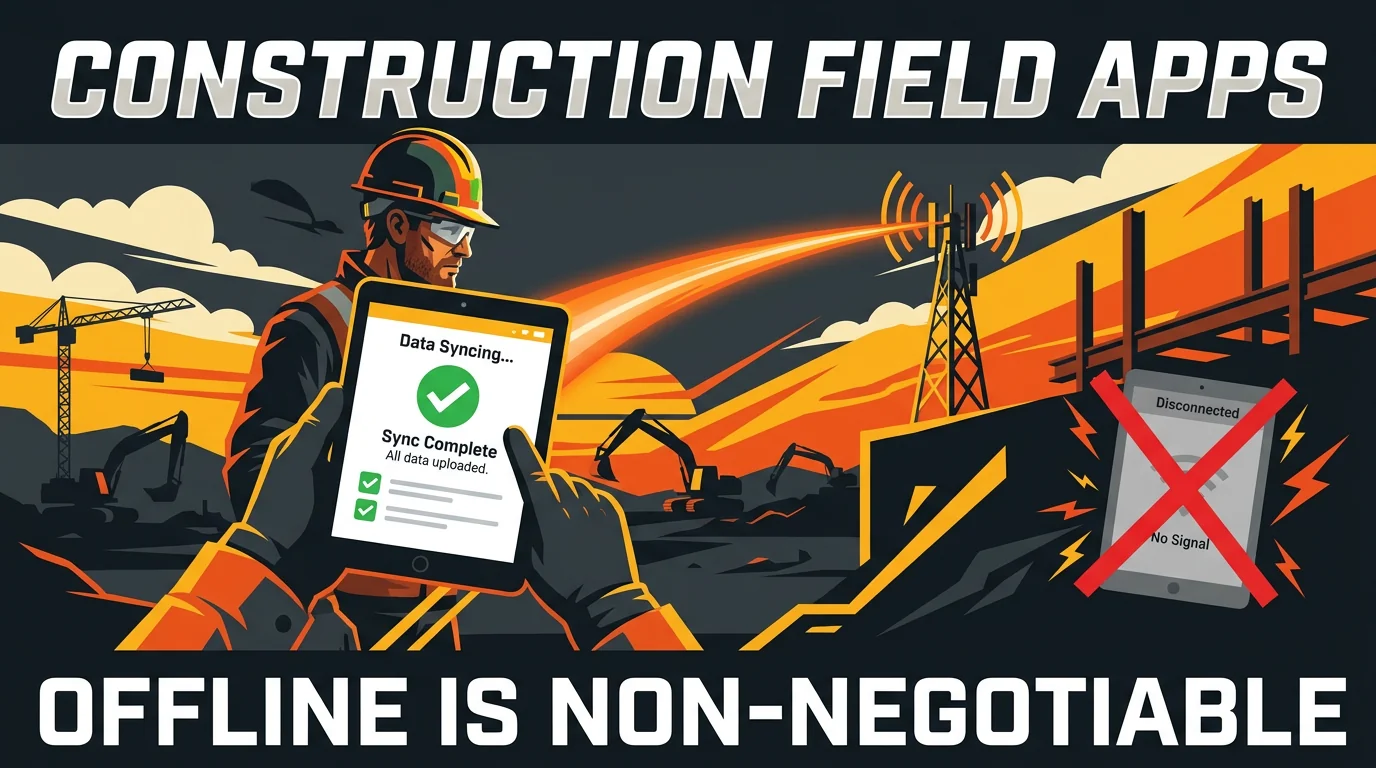
Construction workers don't have reliable WiFi. Building apps for job sites requires offline-first architecture, Here's how to handle data sync, conflict resolution, and battery constraints.
Jason Overmier
Innovative Prospects Team
Construction sites don’t have reliable WiFi. Workers move between floors, elevators, and outdoor locations. Connectivity drops in and out. Yet the field workers need real-time access to plans, specifications, and progress tracking.
Offline-first mobile development solves this problem by designing applications that work without connectivity and sync when connection becomes available.
The Offline-First Challenge
Construction environments present unique constraints:
| Constraint | Impact |
|---|---|
| Unreliable connectivity | Data requests frequently fail or timeout |
| Low bandwidth | Large data transfers block or fail |
| Device switching | App state lost during network transitions |
| Battery constraints | Continuous sync drains device batteries |
| Multiple users | Concurrent offline modifications create conflicts |
Architecture Principles
1. Local-First Data Storage
Store data on device first, sync to server later.
interface OfflineStorage {
  saveLocally(data: LocalData): Promise<void>;
  loadLocally(id: string): Promise<LocalData | null>;
  getPendingChanges(): PendingChange[];
  markSynced(id: string): void;
}
2. Eventual Consistency
Accept that data may be temporarily inconsistent between devices and server.
| State | Strategy |
|---|---|
| Local write | Optimistic update, sync later |
| Sync conflict | Last-write-wins or server-wins |
| Merge | Three-way merge with server data |
| Deletion | Tombstone with periodic cleanup |
3. Background Synchronization
Don’t block the UI on sync operations.
class SyncManager {
  private syncInterval = 60000; // 1 minute when online
  private isOnline(): boolean {
    return navigator.onLine;
  }

  startSync(): void {
    if (this.isOnline()) {
      this.syncPendingChanges();
    }
    setInterval(() => {
      if (this.isOnline()) {
        this.syncPendingChanges();
      }
    }, this.syncInterval);
  }
}
Data Sync Patterns
Pattern 1: Optimistic Offline Updates
When offline, allow updates and queue for sync.
async function updateProgress(inspectionId: string, progress: number) {
  // 1. Update local storage immediately
  await localDb.updateProgress(inspectionId, progress);

  // 2. Queue for sync
  pendingChanges.push({
    type: 'UPDATE_PROGRESS',
    inspectionId,
    progress,
    timestamp: Date.now(),
    deviceId: getDeviceId()
  });

  // 3. Try to sync if online
  if (navigator.onLine) {
    syncPendingChanges();
  }
}
Pattern 2: Conflict Resolution
When sync conflicts occur, resolve them intelligently.
| Conflict Type | Resolution Strategy |
|---|---|
| Local newer | Keep local, update server |
| Server newer | Accept server, update local |
| Concurrent edits | Merge or prompt user |
async function resolveConflict(localVersion: Data, serverVersion: Data): Promise<Data> {
  const localTime = localVersion.updatedAt;
  const serverTime = serverVersion.updatedAt;

  // Last-write-wins for simple fields
  if (localTime > serverTime) {
    return localVersion;
  }

  // Server-wins for data we may not have
  return serverVersion;
}
Pattern 3: Delta Sync for Bandwidth Efficiency
Only sync changed data, not entire datasets.
interface SyncDelta {
  entityType: 'inspection' | 'photo' | 'note';
  entityId: string;
  changedFields: string[];
  timestamp: number;
}

// Server applies only changed fields
async function applyDelta(delta: SyncDelta): Promise<void> {
  const endpoint = `/api/${delta.entityType}/${delta.entityId}`;

  const update = {};
  for (const field of delta.changedFields) {
    update[field] = delta.data[field];
  }

  await fetch(endpoint, {
    method: 'PATCH',
    body: JSON.stringify(update)
  });
}
Battery Optimization
Strategies
| Strategy | Implementation | Impact |
|---|---|---|
| Reduce sync frequency | Increase interval when on battery | +30-50% battery savings |
| Batch syncs | Accum changes, sync in batches | +20-40% battery savings |
| Compress data | Use smaller data formats | +10-20% battery savings |
| Lazy loading | Only load data when needed | +15-25% battery savings |
Battery-Aware Sync
class BatteryAwareSync {
  private getBatteryLevel(): number {
    return navigator.getBattery?.level || 100;
  }

  getSyncInterval(): number {
    const batteryLevel = this.getBatteryLevel();

    if (batteryLevel < 20) {
      return 300000; // 5 minutes when critical
    } else if (batteryLevel < 50) {
      return 120000; // 2 minutes when low
    } else {
      return 60000; // 1 minute when good
    }
  }
}
Common Pitfalls
| Pitfall | Symptom | Fix |
|---|---|---|
| Syncing too frequently | Battery drain, unnecessary server load | Implement adaptive sync intervals |
| No conflict resolution | Data inconsistency, user confusion | Implement explicit conflict resolution |
| Large sync payloads | Slow sync, timeout failures | Use delta sync for changed fields only |
| No offline detection | Failed syncs. lost data | Detect connectivity state and queue appropriately |
| Treating all data equally | Performance issues, wasted storage | Prioritize critical data for immediate sync |
| No sync status UI | Users don’t know if data is saved | Show sync status indicators |
Construction field apps require offline-first thinking from the start. If you’re building for construction or other offline-first scenarios, book a consultation. We’ll help you design an architecture that works in challenging connectivity environments.