Software Maintenance Planning: Budget for the Long Term
Why software needs ongoing investment, and how to plan for it.
Jason Overmier
Innovative Prospects Team
Software Maintenance Planning: Budget for the Long Term
Here’s an uncomfortable truth: software is never “done.” Even after launch, your application needs ongoing maintenance to stay secure, functional, and competitive.
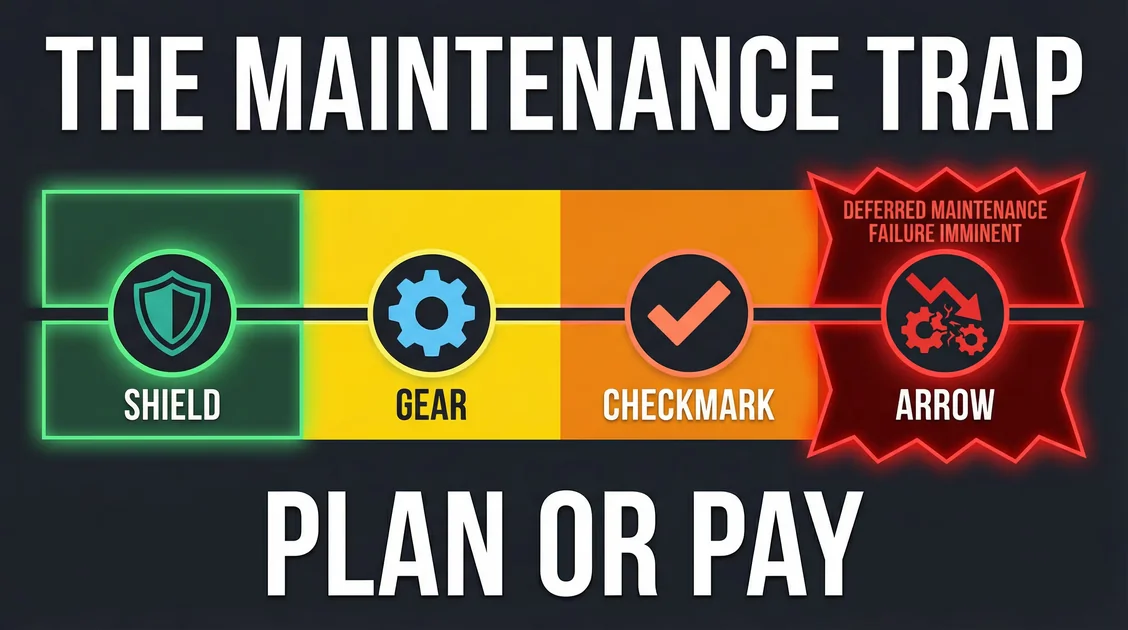
The companies that plan for this stay ahead. The ones that don’t face expensive rewrites.
What Is Software Maintenance?
Software maintenance includes:
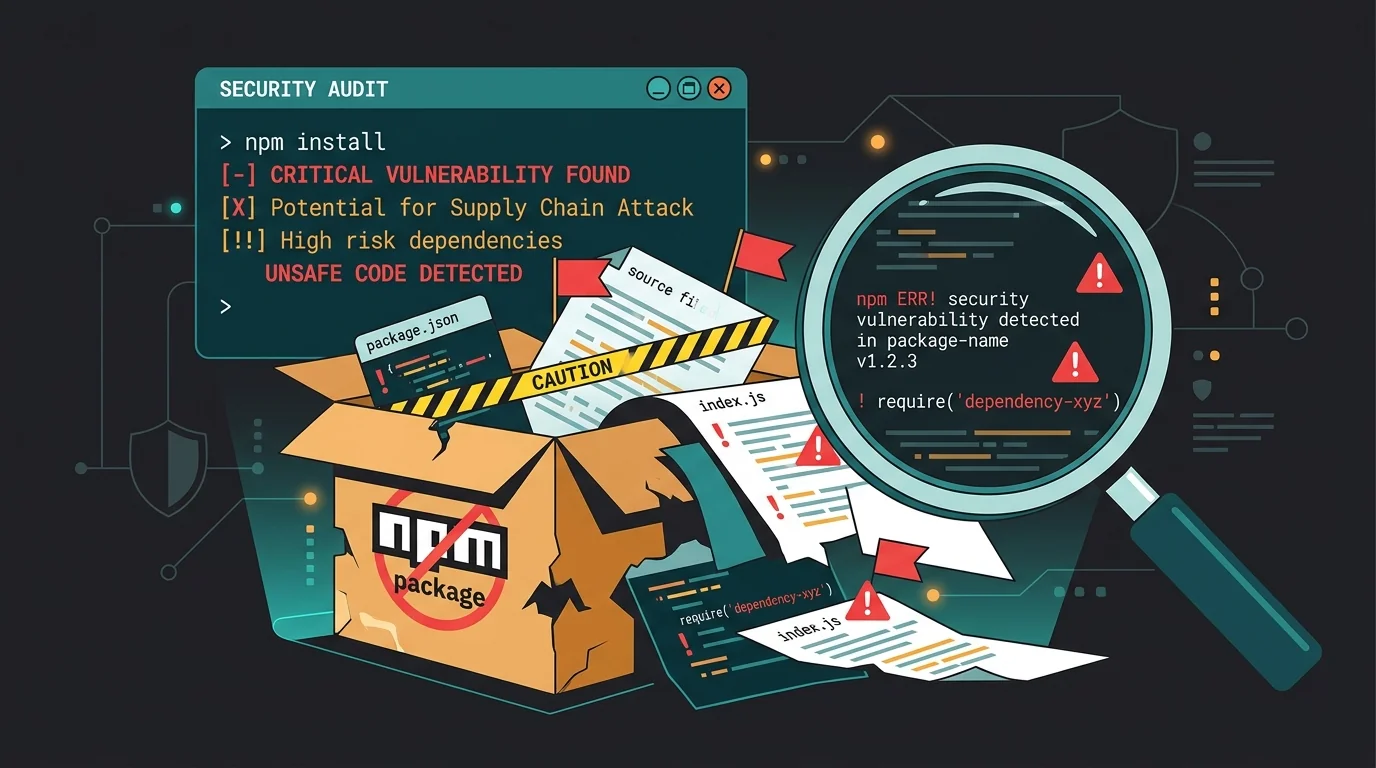
- Security updates (patching vulnerabilities)
- Dependency updates (upgrading libraries/frameworks)
- Bug fixes (addressing issues users find)
- Performance optimization (keeping things fast)
- Feature enhancements (small improvements)
- Platform compatibility (new OS versions, browsers)
- Compliance updates (regulations change)
The Hidden Costs of “Done”
Software that isn’t maintained becomes technical debt:
| Time Since Launch | Without Maintenance | With Maintenance |
|---|---|---|
| 6 months | Minor bugs accumulate | Stable, secure |
| 1 year | Dependencies outdated, security risks | Updated, monitored |
| 2 years | Major breaking changes, slow performance | Optimized, improved |
| 3+ years | Unmaintainable, needs rewrite | Evolving with business |
A rewrite typically costs 3-5x the original build.
Budget Guidelines
Industry Benchmarks
Annual maintenance costs as percentage of initial build:
| Application Type | Annual Maintenance |
|---|---|
| Simple website | 15-20% |
| Web application | 20-30% |
| Mobile app | 25-35% |
| Complex system | 30-40% |
Example: A $50,000 web app needs $10,000-$15,000 annually for maintenance.
What That Buys
| Budget Level | Includes |
|---|---|
| Basic (15-20%) | Security patches, critical bugs, dependency updates |
| Standard (20-30%) | Plus: minor enhancements, performance monitoring, 24/7 uptime monitoring |
| Comprehensive (30-40%) | Plus: feature backlog, dedicated support, proactive optimization |
Maintenance Checklist
Monthly
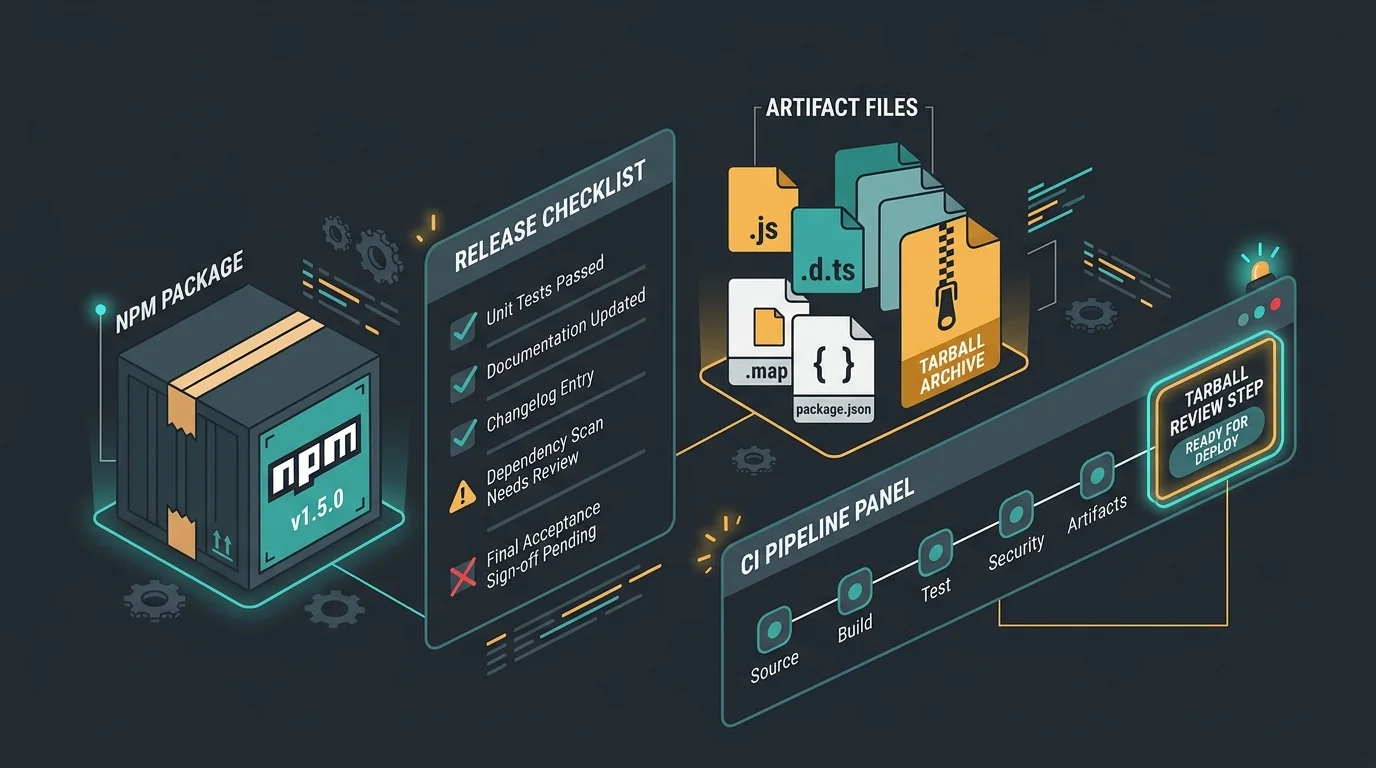
- Security scans (check for vulnerabilities)
- Backup verification (ensure backups work)
- Error log review (address recurring issues)
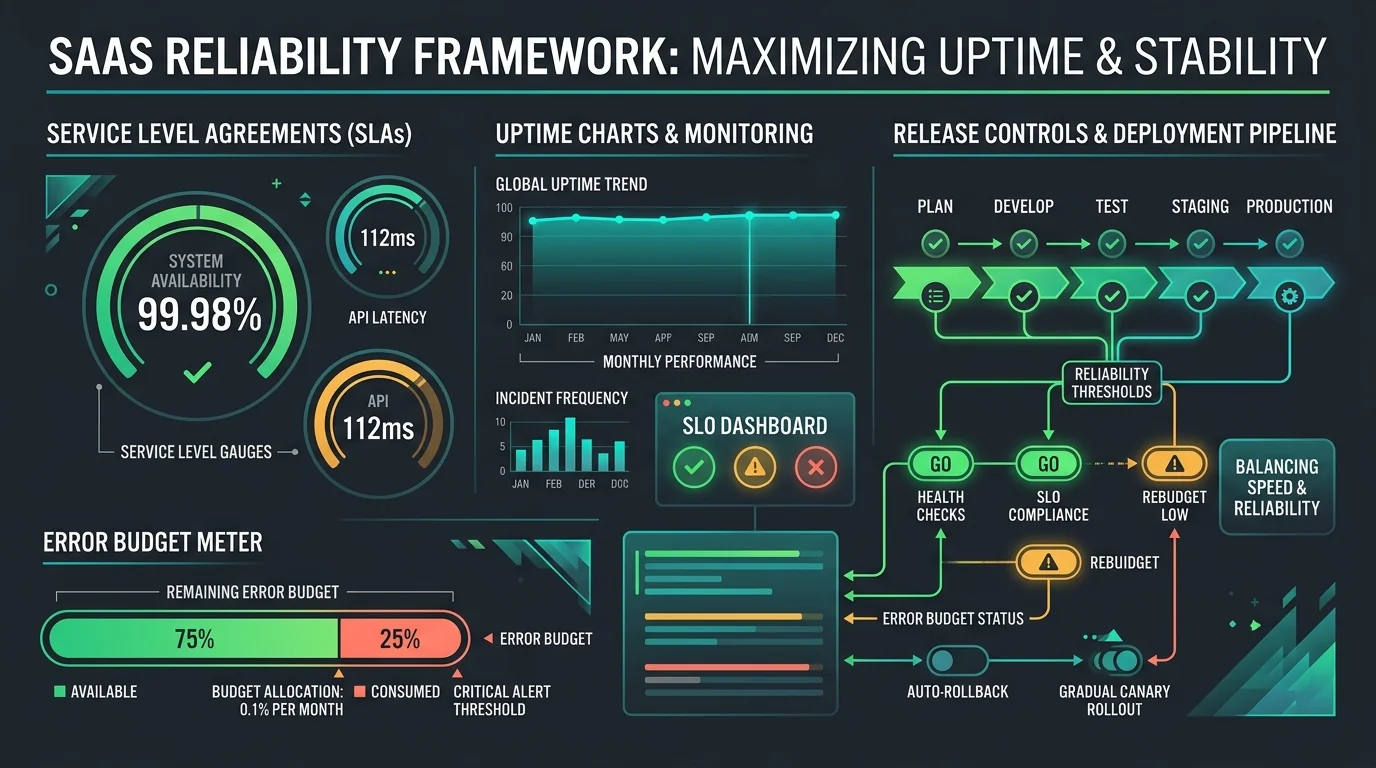
- Performance monitoring (check load times, error rates)
- Dependency check (update alerts for vulnerable packages)
Quarterly
- Dependency updates (upgrade non-breaking changes)
- Security audit (penetration testing for sensitive apps)
- Cost review (cloud bills, third-party services)
- Capacity planning (will current infrastructure handle growth?)
- Compliance check (any regulatory changes?)
Annually
- Major version upgrades (framework updates, language versions)
- Architecture review (is current design still optimal?)
- Disaster recovery test (can you restore from backup?)
- Performance optimization (database tuning, caching strategy)
- Accessibility audit (WCAG compliance check)
Common Pitfalls
| Pitfall | Why It Happens | Fix |
|---|---|---|
| Skipping dependency updates | Fear of breaking changes | Automate with Dependabot, test thoroughly |
| Reactive-only maintenance | Budget pressure, “if it ain’t broke” | Budget 20-30% annually for proactive work |
| No monitoring in place | Didn’t prioritize observability | Set up error tracking, uptime monitoring |
| Ignoring security warnings | Alert fatigue, misunderstood risk | Create process for CVSS scoring |
| Documentation debt | Focus on features over docs | Document changes alongside code updates |
| Testing after the fact | Rushed deployments | Require tests before merging |
| Forgotten backup testing | Backups “should work” | Schedule quarterly disaster recovery tests |
Maintenance Tasks
1. Dependency Management
Dependencies have vulnerabilities. Keep them updated:
# Check for vulnerabilities
npm audit
# or
yarn audit

# Update packages
npm update
# or
yarn upgrade

# For major versions, test thoroughly first
npm install package@latest
Automate: Dependabot, Renovate, or Snyk.
2. Security Patching
When vulnerabilities are found:
- Assess severity (CVSS score)
- Check for exploits (is this being used in the wild?)
- Schedule patch (critical = immediate, low = next release)
- Test thoroughly (patches can break things)
- Deploy with monitoring (watch for errors)
3. Performance Optimization
Performance degrades over time. Watch for:
- Slow queries (database needs indexing)
- Memory leaks (growing memory usage)
- External API latency (downstream services slowing down)
- Asset bloat (images, JavaScript growing)
Tools: Lighthouse, New Relic, Datadog.
4. Platform Updates
Browsers, OSes, and platforms change:
- Safari updates (iOS often breaks web apps)
- Android/API changes (Google deprecates APIs)
- Browser support (drop old browsers, add new ones)
Plan for annual major updates and monthly minor patches.
SLA Options
When working with a development partner, choose an SLA that fits:
Basic Support
- Response time: 2-3 business days
- Coverage: Business hours only
- Includes: Critical bug fixes, security patches
- Best for: Internal tools, low-traffic sites
Standard Support
- Response time: 24 hours
- Coverage: Business hours + emergency pager
- Includes: All basic + minor enhancements, monthly call
- Best for: Most production applications
Premium Support
- Response time: 4 hours
- Coverage: 24/7
- Includes: All standard + dedicated hours, proactive monitoring
- Best for: Revenue-critical apps, high-traffic sites
When to Rebuild vs. Maintain
Sometimes a rewrite makes sense:
Consider rebuilding if:
- Technology is deprecated/end-of-life
- Team with expertise is gone
- Business requirements fundamentally changed
- Maintenance costs exceed 50% of build cost annually
- Performance can’t be improved with optimization
Otherwise, maintain and incrementally improve.
Real Example: Cost of Neglect
Company A (invested in maintenance):
- Initial build: $100,000
- Annual maintenance: $25,000 (25%)
- 5-year total: $225,000
- Status: Stable, performing well, easy to enhance
Company B (deferred maintenance):
- Initial build: $100,000
- Annual maintenance: $5,000 (5%, security only)
- 5-year total: $125,000 + $300,000 (year 5 rewrite)
- Status: Expensive emergency, lost users, rebuilt from scratch
Deferring maintenance cost Company B $200,000 more.
Planning Template
When budgeting for a project, include maintenance:
| Line Item | Year 1 | Year 2 | Year 3 | Year 4 | Year 5 |
|---|---|---|---|---|---|
| Initial Build | $100,000 | - | - | - | - |
| Maintenance (25%) | $12,500 | $25,000 | $25,000 | $25,000 | $25,000 |
| Major Upgrades | - | $10,000 | $15,000 | $15,000 | $20,000 |
| 5-Year Total | $112,500 | $35,000 | $40,000 | $40,000 | $45,000 |
Total 5-year cost: $272,500 (vs. $100,000 build only + expensive rewrite)
Questions to Ask Your Development Partner
- What’s included in your maintenance plans?
- What’s your response time SLA?
- How do you handle security updates?
- Will you notify me of deprecated dependencies?
- Can I rollover unused hours?
- What’s the process for emergency fixes?
- Do you provide monthly/quarterly reports?
The Bottom Line
Software maintenance isn’t optional. It’s the cost of doing business with software. Budgeting 20-30% annually for maintenance keeps your application secure, performant, and valuable.
The most expensive software is the software you have to rewrite because you didn’t maintain it.
Need a maintenance plan for your application? We offer structured SLA packages to keep your software secure, performant, and evolving with your business. Our senior-led team handles security patches, dependency updates, performance monitoring, and proactive improvements, so you can focus on growing your business. Let’s discuss your maintenance needs.