WCAG 2.2 Accessibility: A Developer's Guide
Practical steps to make your web applications accessible to everyone.
Jason Overmier
Innovative Prospects Team
WCAG 2.2 Accessibility: A Developer’s Guide
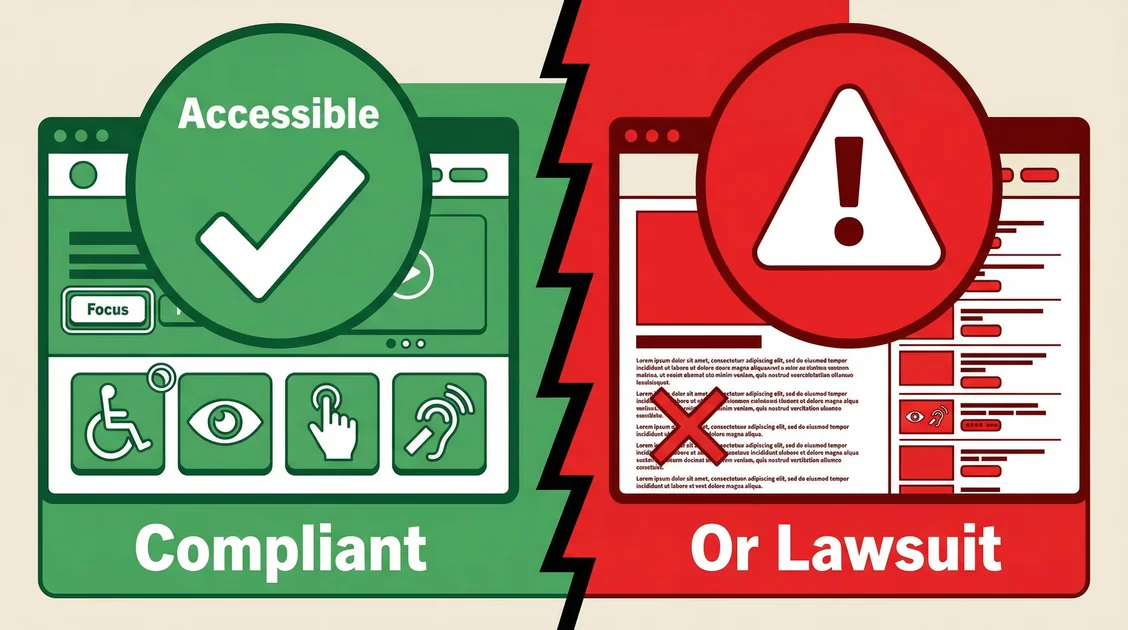
Accessibility isn’t a nice-to-have—it’s a legal requirement and a business imperative. WCAG 2.2 is the current standard, and compliance is becoming mandatory for more organizations (including government contractors under new DOJ rules).
What Is WCAG 2.2?
WCAG (Web Content Accessibility Guidelines) 2.2 is the W3C’s latest standard for making web content accessible. It’s organized around four principles:
| Principle | Description | Example |
|---|---|---|
| Perceivable | Users can perceive content | Alt text for images |
| Operable | Users can operate UI | Keyboard navigation |
| Understandable | Content is clear | Simple language |
| Robust | Works with assistive tech | Semantic HTML |
Conformance Levels
- A: Basic accessibility (minimum)
- AA: Most common target (legal requirement for many)
- AAA: Highest (rarely required)
Most organizations should target AA.
Quick Wins (Do These First)
1. Alt Text for Images
<!-- ❌ Bad -->
<img src="chart.jpg" />

<!-- ✅ Good -->
<img
  src="chart.jpg"
  alt="Bar chart showing 50% revenue increase from 2023 to 2024"
/>

<!-- ✅ Good for decorative images -->
<img src="divider.png" alt="" role="presentation" />
2. Color Contrast
Text must have sufficient contrast (4.5:1 for normal text, 3:1 for large text).
/* ❌ Bad - low contrast */
.text-bad {
  color: #a0a0a0; /* on white background */
}

/* ✅ Good - passes WCAG AA */
.text-good {
  color: #595959; /* on white background */
}
Tools: Chrome DevTools Lighthouse, axe DevTools, Contrast Checker.
3. Form Labels
Every input needs a label:
<!-- ❌ Bad -->
<input type="email" placeholder="Email" />

<!-- ✅ Good -->
<label for="email">Email address</label>
<input type="email" id="email" />

<!-- ✅ Also good (visually hidden label) -->
<label for="email" class="sr-only">Email address</label>
<input type="email" id="email" aria-label="Email address" />
4. Keyboard Navigation
Test your site with only a keyboard:
<!-- Make sure all interactive elements are focusable -->
<a href="/page" class="focus:ring-2 focus:ring-blue-500">
  Navigate with tab, activate with enter
</a>

<button class="focus:ring-2 focus:ring-blue-500">
  Click with enter or space
</button>
Common issues:
- Custom dropdowns that don’t work with keyboard
- Modals that trap focus incorrectly
- Missing skip-to-content links
5. Focus Indicators
Users must see what they’re focused on:
/* ✅ Always show visible focus */
*:focus-visible {
  outline: 2px solid #06b6d4;
  outline-offset: 2px;
}

/* Don't remove focus indicators */
button:focus {
  outline: none; /* ❌ Don't do this */
}
Component-Specific Guidelines
Modals/Dialogs
<div
  role="dialog"
  aria-modal="true"
  aria-labelledby="dialog-title"
  aria-describedby="dialog-description"
>
  <h2 id="dialog-title">Confirmation</h2>
  <p id="dialog-description">Are you sure you want to delete?</p>
  <button>Cancel</button>
  <button>Delete</button>
</div>
Requirements:
- Trap focus within modal
- Return focus to trigger on close
- Inform screen readers it’s a modal
Tables
<table>
  <caption>
    Monthly revenue by region
  </caption>
  <thead>
    <tr>
      <th scope="col">Region</th>
      <th scope="col">Revenue</th>
    </tr>
  </thead>
  <tbody>
    <tr>
      <th scope="row">North America</th>
      <td>$1.2M</td>
    </tr>
  </tbody>
</table>
Navigation
<!-- Add skip link for keyboard users -->
<a href="#main-content" class="sr-only focus:not-sr-only">
  Skip to main content
</a>

<nav aria-label="Main navigation">
  <ul>
    <li><a href="/home" aria-current="page">Home</a></li>
    <li><a href="/about">About</a></li>
  </ul>
</nav>

<main id="main-content">
  <!-- Page content -->
</main>
Testing Checklist
Automated Testing
Run these tools in CI:
# Lighthouse (built into Chrome)
npx lighthouse https://your-site.com --view

# axe-core (Node.js)
npx axe http://localhost:3000

# pa11y (CI integration)
npx pa11y https://your-site.com
Manual Testing
Test with:
- Keyboard only (unplug mouse, tab through site)
- Screen reader (NVDA on Windows, VoiceOver on Mac)
- Browser zoom (200% zoom should be usable)
- High contrast mode (Windows: Shift+Alt+PrintScreen)
- Mobile screen reader (TalkBack on Android, VoiceOver on iOS)
User Testing
Nothing replaces testing with actual assistive technology users:
- Recruit 3-5 users who use screen readers
- Recruit 3-5 users who navigate with keyboard only
- Recruit 3-5 users with low vision (zoom users)
Common Pitfalls
| Pitfall | Why It Happens | Fix |
|---|---|---|
| Low contrast text | Aesthetic preference over readability | Use darker colors (4.5:1 contrast minimum) |
| Missing form labels | Using placeholders as labels | Always include proper <label> elements |
| Unlabeled icon buttons | Visual-only communication | Add aria-label to interactive icons |
| Keyboard traps in modals | Focus management not implemented | Implement proper focus trapping/restoration |
| Missing skip links | Didn’t consider keyboard navigation | Add skip-to-content link at page top |
| Images without alt text | Alt text feels tedious to add | Describe image content, use empty alt for decorative |
| Auto-playing media | Engaging UX for most users | Never auto-play, provide user controls |
| Poor heading structure | Styling over semantics | Use h1-h6 in order, don’t skip levels |
WCAG 2.2 New Success Criteria
WCAG 2.2 added new requirements:
- 2.4.11 Focus Not Obscured (AA): Focus should be visible
- 2.4.12 Focus Not Obscured (AAA): No overlap
- 2.5.7 Dragging Movements (AA): Alternative to drag-and-drop
- 2.5.8 Target Size (Minimum) (AA): Click targets at least 24×24 CSS pixels
- 3.3.8 Redundant Entry (A): Don’t make users enter info twice
- 3.3.9 Accessible Authentication (AA): Alternative to CAPTCHA
Legal Considerations
United States
- ADA: Private lawsuits can target inaccessible websites
- Section 508: Federal agencies must be accessible
- DOJ Title II: State/local governments (deadlines: April 2026/2027)
Europe
- EAA (European Accessibility Act): Applies to many products/services
Global
- WCAG is increasingly referenced in regulations worldwide
Not complying isn’t just a risk—it’s a liability.
Tools We Use
| Purpose | Tool |
|---|---|
| Automated testing | axe-core, Lighthouse |
| Screen reader testing | NVDA (Windows), VoiceOver (Mac) |
| Color contrast | WebAIM Contrast Checker |
| Keyboard testing | Manual (unplug mouse!) |
| CI integration | axe-core-rs, jest-axe |
Need an accessibility audit? We can evaluate your site against WCAG 2.2 AA, identify issues, and help you remediate. Book an accessibility review.